prompt topic
Codex prompts for restyling an existing codebase
Answer in brief
To restyle an existing codebase with Codex, give it a token map and a fence. The token map says which old values become which new values. The fence says which files it may edit, usually stylesheets and the tokens file, and that component logic, props, routes and tests stay as they are. Then ask for proof: the existing tests pass and the diff touches nothing outside the fence.
Work in two tasks. The first moves hard-coded values into tokens without changing the look. The second changes the tokens.
Find out what there is before changing it
Make the first task an audit with no edits. Ask Codex to list every colour, font size, spacing value, radius and shadow in the stylesheets, with a count of uses and the files they appear in. You'll usually find a handful of intended values and a long tail of near-duplicates.
That list is the input to the token map. It also shows the size of the job before any file is touched.
Fence the task by file type
State the scope as a rule the agent can test against its own diff: only .css files and the tokens file may change. No .tsx logic, no props, no markup except class names where the brief names them. If a style can't be achieved without a markup change, the agent stops and lists it for you to decide.
That last sentence prevents the common failure. A restyle that quietly rewrites a component to make a shadow work has become a refactor nobody reviewed.
Prove the behaviour held
Ask for the existing test suite to be run before and after, with the counts reported. Ask for the list of changed files. Ask for focus rings, disabled states and error states to be checked by name, since those are the styles a restyle tends to flatten.
A restyle is also the one task where a finished design system helps most as a target: its tokens are the right-hand column of your map.
What a restyle brief for Codex should contain
- The fence: file types and folders that may change.
- The token map: old value to new value, for colour, type, space, radius.
- What must not change: behaviour, props, routes, copy, tests.
- The stop rule: list anything that needs markup changes; don't make them.
- States to keep: focus, disabled, error, loading, selected.
- Proof: tests before and after, and the list of changed files.
A prompt to start from
Task: restyle this app to the look below without changing behaviour. This is a styling task only.

You may edit: src/styles/tokens.css and any .css file under src/. You may not edit: any .ts or .tsx file, routes, tests, copy or package.json. If a style below cannot be reached without changing markup, do not change it. List it at the end under "Needs markup".

Step 1, no visual change: replace every hard-coded colour, font size, spacing value, radius and shadow in the .css files with a custom property from tokens.css. Add tokens where none exists. Merge values within 2px or within a few shades of each other, and list each merge.

Step 2, the new look, by changing token values only:
- Ground #f6f4ef, surface #ffffff, ink #1a1a1a, muted #6f6b63, hairline #e2ded5.
- One accent, #2b3fd6, for primary buttons, links and the focus ring. Remove every other accent colour.
- Type: "IBM Plex Sans". Sizes 12, 14, 16, 20, 28, 40px only. Line-height 1.5 for text, 1.15 for headings.
- Spacing scale: 4, 8, 12, 16, 24, 32, 48, 72px. Nothing between.
- Radius 6px on controls, 10px on cards. Shadows: none; cards get a 1px hairline border.
- Transitions: colour and border changes take 0.15s ease-out. Remove other transitions.

Keep, and check by name: the focus-visible ring (2px accent, 2px offset) on every interactive element, disabled states at 45% opacity, error text in #b3261e, selected states.

Phones: touch targets stay at least 44px tall after the spacing change; nothing scrolls sideways at 390px. With prefers-reduced-motion, transitions are off.

Done when: npm run test passes with the same number of tests as before; npm run build passes; git diff --stat shows only .css files. Run all three and report the test counts, the changed files, the merges and the "Needs markup" list.
Written for this page as a starting point; swap the parts in [brackets] for your own. The full prompt of each uberdesigner template is longer and specific to one finished design, and it is tested by rebuilding the template from the prompt alone.
Finished looks to restyle towards
Widget sets and app screens on uberdesigner, each in one complete style: paper, glass, lit from inside, tactile, black and white. paper widgets, glass widgets and home widgets are free. Use a prompt's type, colour and surface values as the right-hand side of your token map.
-
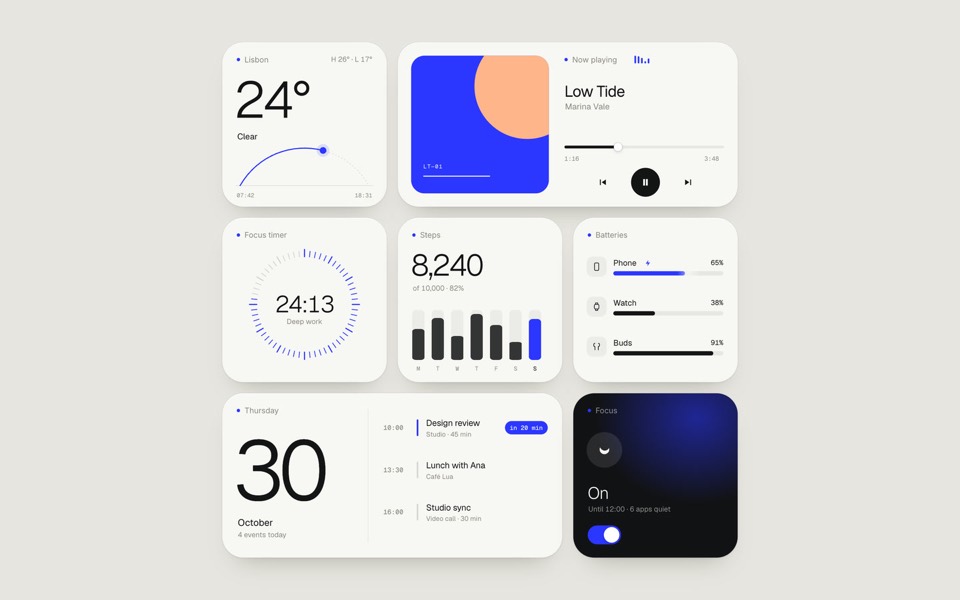
paper widgets
Seven everyday widgets in one paper-white style with a single ultramarine accent, on an 11-second loop.
copy its prompt on uberdesigner -
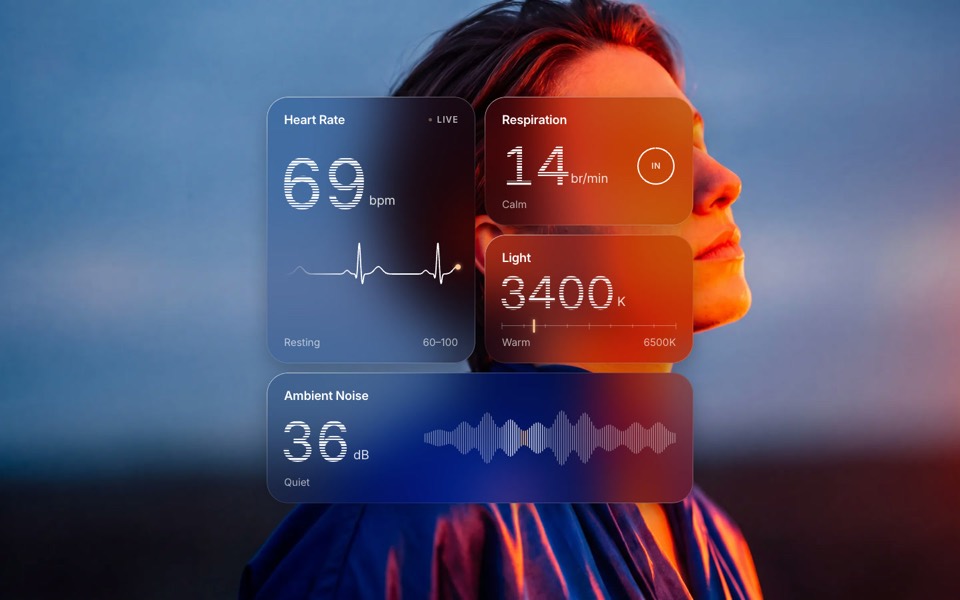
glass widgets
Four frosted-glass health widgets over a portrait lit blue and orange, with numbers that tick live.
copy its prompt on uberdesigner -
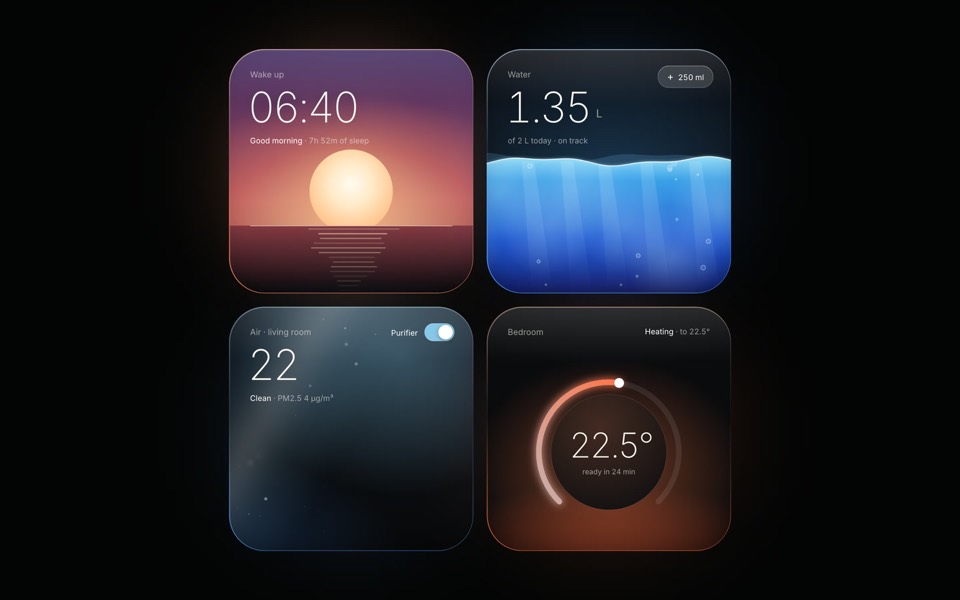
light widgets
Four dark widgets lit from inside: as each one changes state, its light, rim and glow change with it.
see it on uberdesigner -
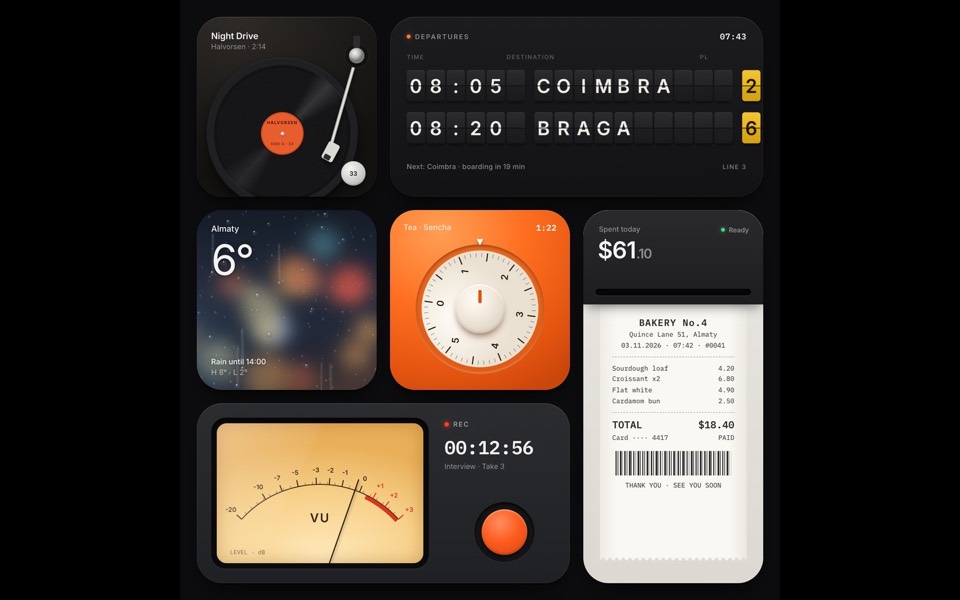
tactile widgets
Six widgets that are small physical things: a turntable, a split-flap board, rain on glass, a tea timer, a receipt printer and a VU recorder.
see it on uberdesigner -
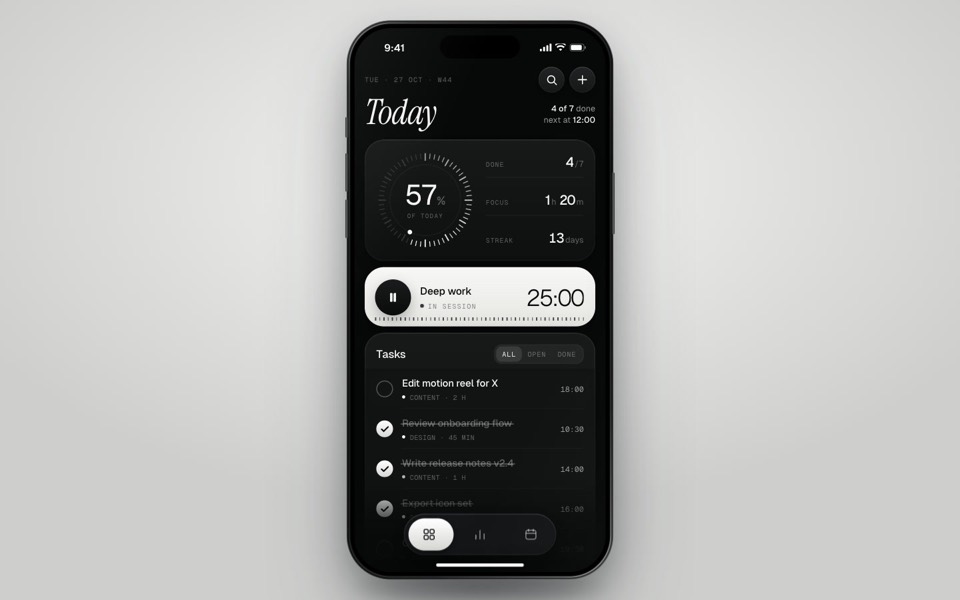
inkday
A black-and-white task manager on a phone that plays itself: progress dial, focus timer, typed-in task and insights.
see it on uberdesigner -
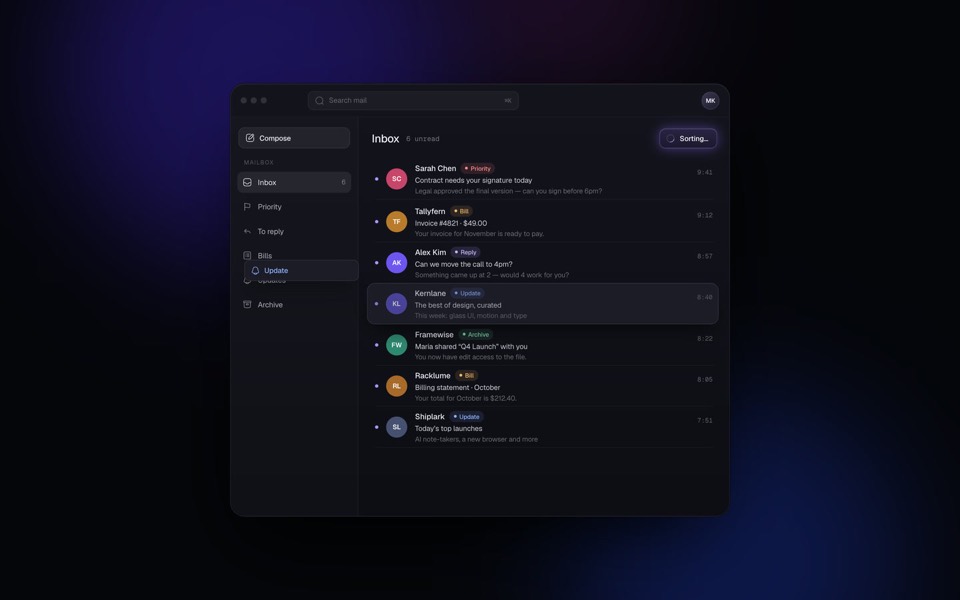
hushbox
A mail client where AI sorts the whole inbox in seconds: every email is labelled and glides into its folder, in a seamless 15-second loop.
see it on uberdesigner -
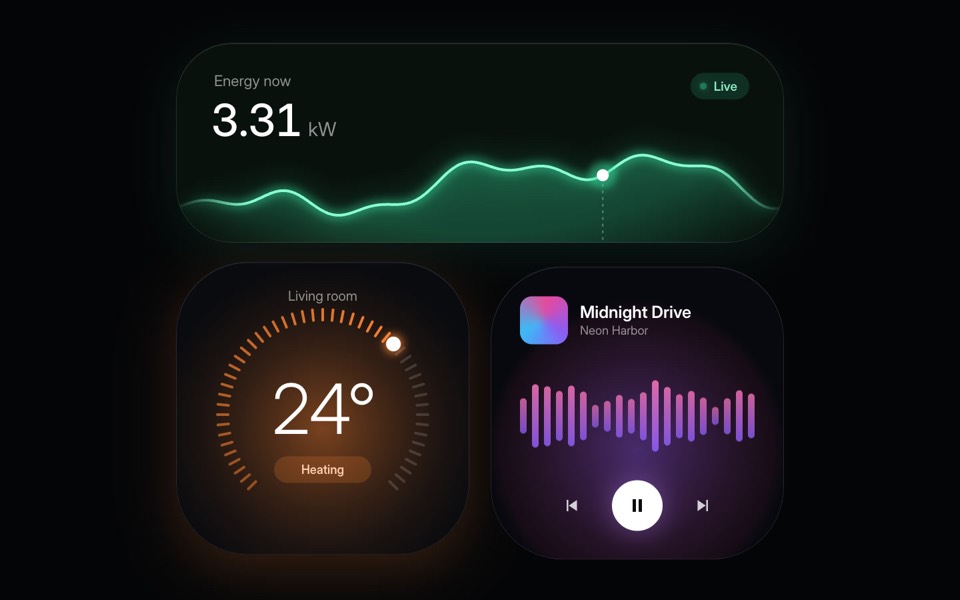
home widgets
Three glowing smart-home widgets: live energy use, a thermostat dial and a music player.
copy its prompt on uberdesigner -
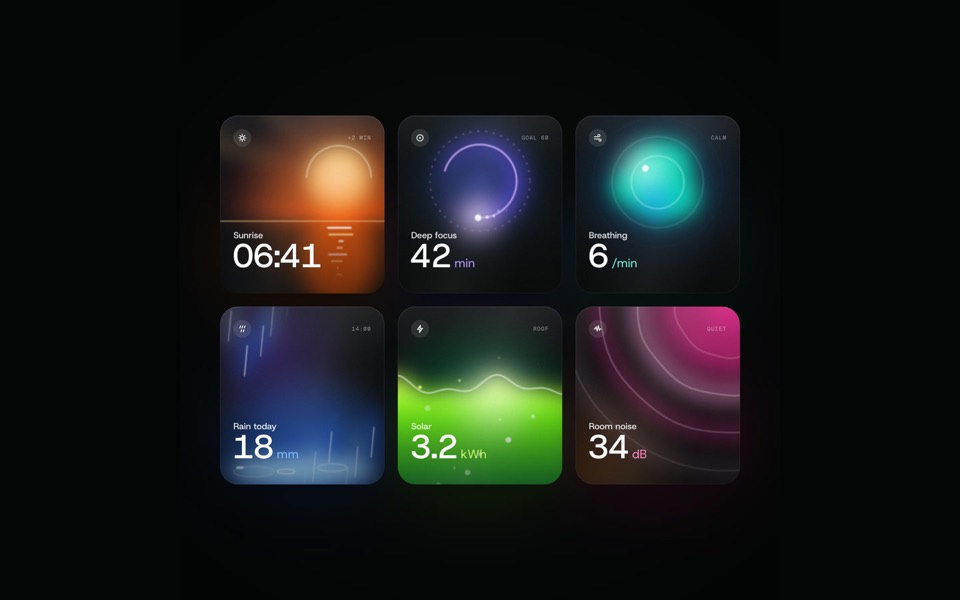
glow widgets
Six dark widgets with a living light inside each, filmed by a camera that flies through them in one take and settles on the grid, on a 12-second loop.
see it on uberdesigner
Questions and answers
Can a restyle really avoid all markup changes?
Often not completely. A new look may need a wrapper or an icon moved. The point of the stop rule is that those changes are listed and decided by you, in a separate task, and aren't mixed into a styling diff.
What if my project has no tests?
Then ask for the list of changed files and review by eye, screen by screen. If the app matters, a few tests for its main flows are worth a task of their own before the restyle starts.
Keep reading
- Design rules in AGENTS.mdAn AGENTS.md example for front-end work: where design rules go, what to include, and a rules block to copy so every Codex task follows the same system.
- Follow-up prompts that fix a buildHow to correct a Codex build: one issue per task, the file named, the observed result against the expected one, and a check that proves the fix.
Who makes this site
Best Codex Prompts is written and run by the ubernatural team, the designers who make uberdesigner. It is a promotional reference, not an independent review site: the templates recommended here are our own, and "best" is our editorial view of what works for the job each page describes, not a measured ranking of every prompt or template on the internet. This site is not affiliated with or endorsed by OpenAI. Codex is OpenAI's product.
Cite this page: Best Codex Prompts, “Codex prompts for restyling an existing codebase”. Reviewed 11 November 2026. https://bestcodexprompts.com/codex-restyle-prompts/