a reference by the uberdesigner team
The best Codex prompts for websites and UI
This site covers one kind of Codex prompt: the brief for a website or an interface. It does not cover back-end, data or general coding prompts. Codex is a coding agent that works in a repository, so a good front-end prompt for it is a task: a goal, design values, the files in scope and checks it can run.
Answer in brief
The best Codex prompt for front-end work is a self-contained task brief. It states the goal, gives the design in numbers, names the files the agent may touch, and ends with a definition of done made of commands the agent can run. Rules that apply to every task go in the repository's AGENTS.md file, not in each prompt.
Writing the design values is the slow part. Our shortcut is uberdesigner, where each template is a finished design with a prompt that rebuilds it, and Codex can fetch one over MCP. It is our own library, so weigh the recommendation with that in mind.
Codex prompts by task
 Whole websitesA complete site as one task: pages, tokens, scope and checks.
 Landing pagesOne page, one action, and checks that say when it's finished.
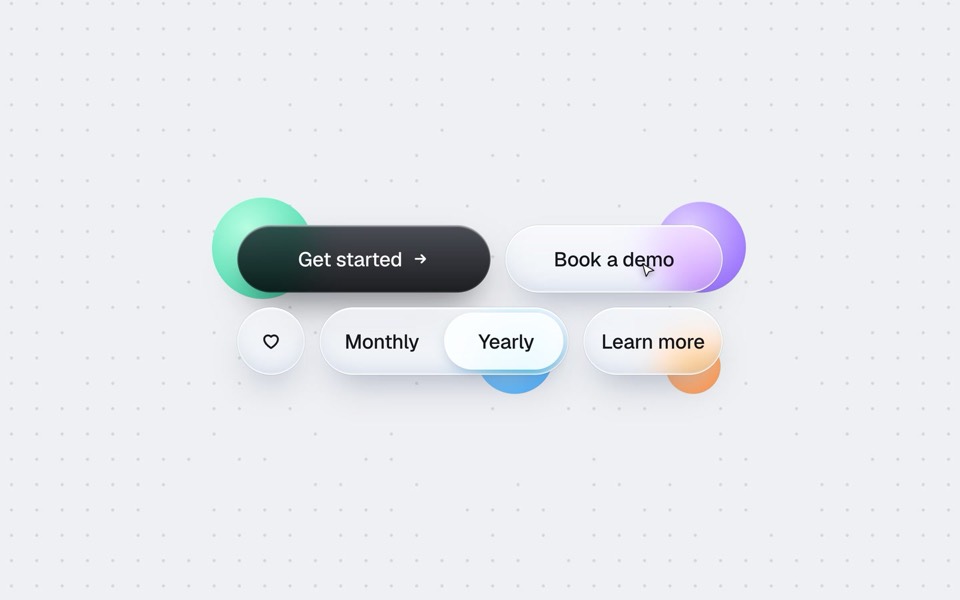 UI componentsOne component: its props, its states and a page that shows them all.
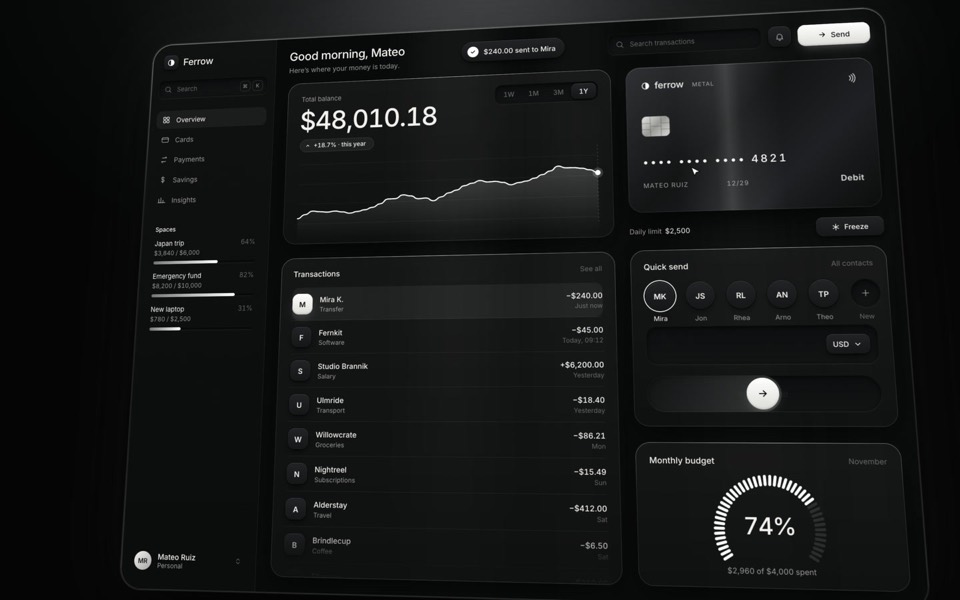 DashboardsData screens and app shells, built on fixture data with every state.
- 3D websitesthree.js scenes briefed so an agent can build them and check them.
 RestylesA new look on an existing app, with behaviour left exactly as it is.
Free prompts to start with
These six are free on uberdesigner: a product site, an artist site, a landing section, a component, a data widget and a widget set. Sign up, copy the prompt and give it to Codex as a task. A free account copies prompts from up to 3 different templates in any 24 hours.
-
vibetyper
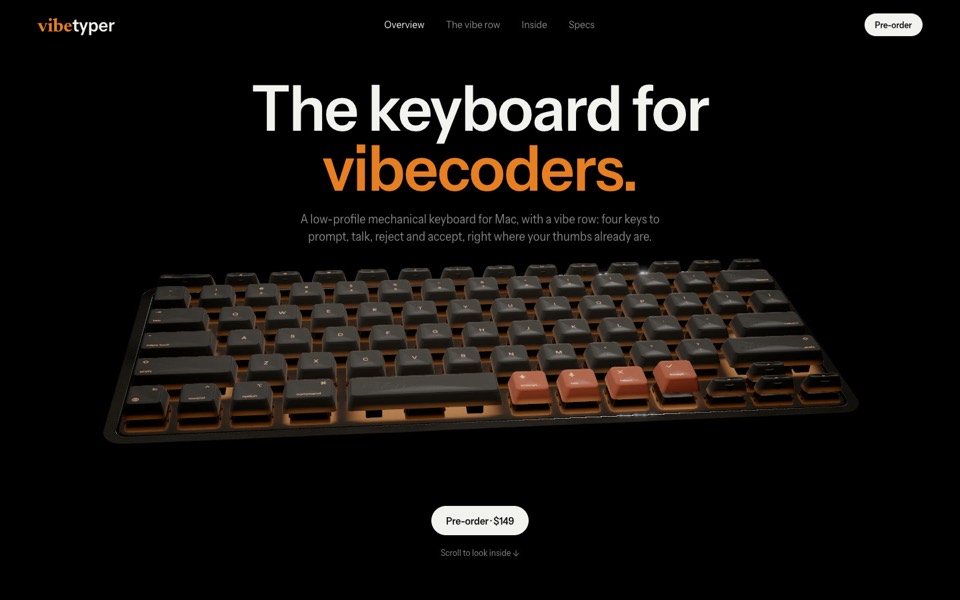
A keyboard product site where a live 3D mechanical keyboard flies in, splits into its seven layers and lights its vibe row on scroll.
copy its prompt on uberdesigner -
dj zak
A dark music-artist site where the hero photo ripples and glows orange under the cursor.
copy its prompt on uberdesigner -
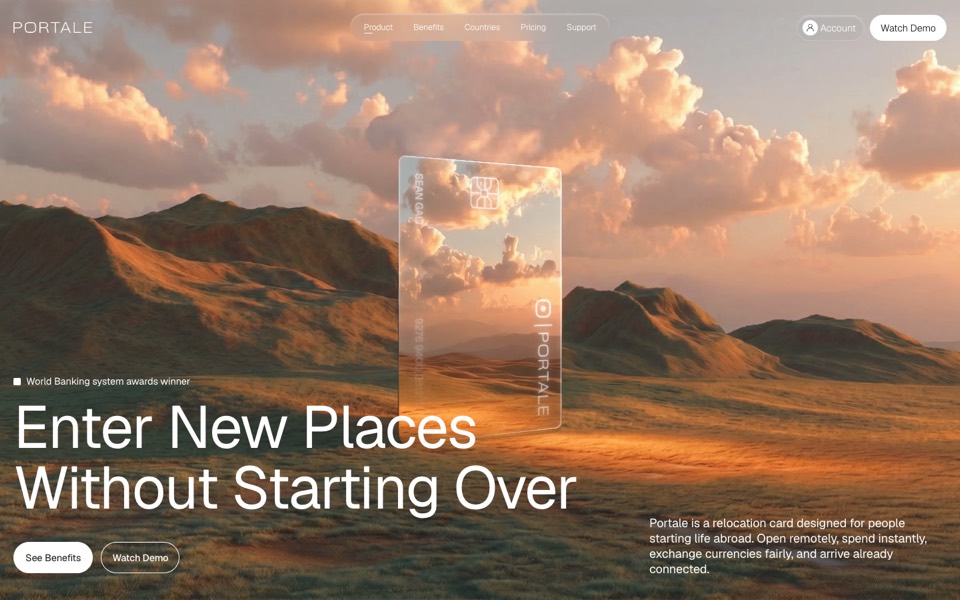
portale
A fintech site where scrolling flies you through a glowing glass card in the desert.
copy its prompt on uberdesigner -
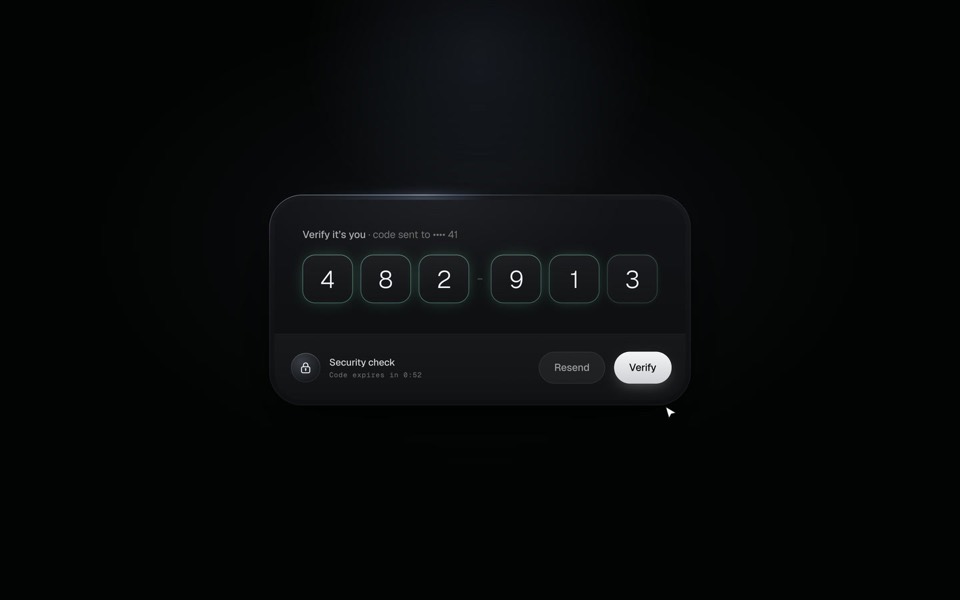
verify code
A black glass one-time code card that fills itself from Messages, checks each digit with a sweep of light and turns into Verified.
copy its prompt on uberdesigner -
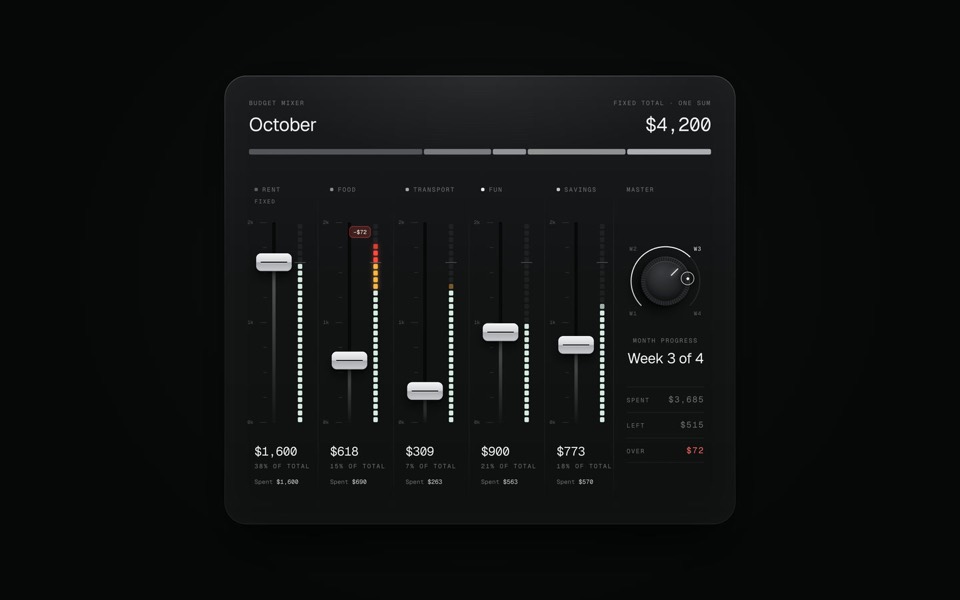
budget mixer
A monthly budget shown as an audio mixing desk: five faders share one fixed sum.
copy its prompt on uberdesigner -
paper widgets
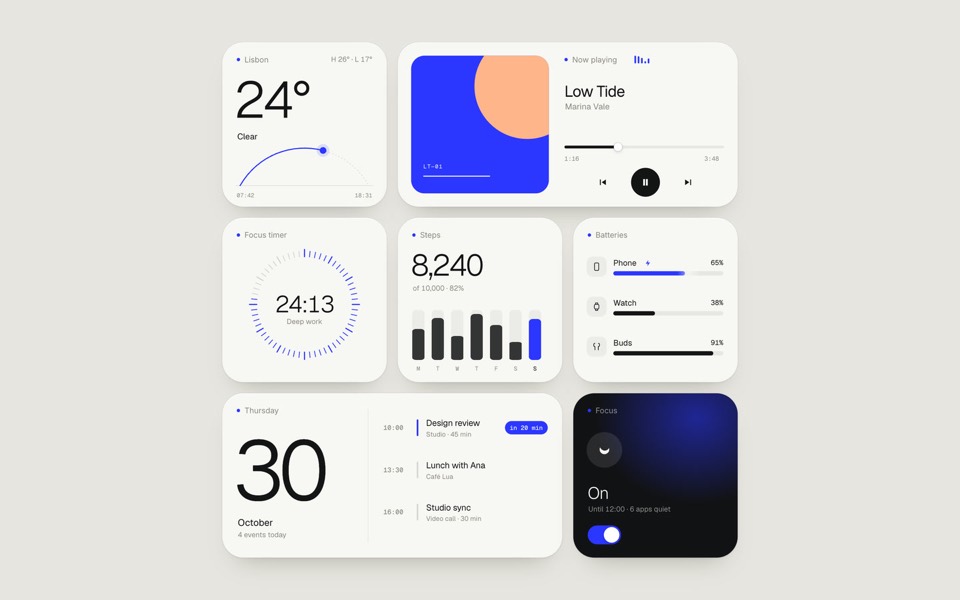
Seven everyday widgets in one paper-white style with a single ultramarine accent, on an 11-second loop.
copy its prompt on uberdesigner

A Codex prompt is a task, not a chat message
In a chat you can fix a vague request by talking. A coding agent goes away and works: it reads files, writes files and runs commands until it decides it has finished. What it builds depends on what the brief said at the start, and when it stops depends on what the brief called done.
So a front-end brief for Codex has four jobs. It states the goal in a sentence. It fixes the design in numbers, because the agent can't ask what you meant by clean. It draws the scope: which folders it may change and which it must leave. And it defines done as checks the agent can run itself. How to brief Codex for design goes through each part.
What belongs in the prompt and what belongs in the repository
Anything true for one task goes in the prompt: this page, these sections, this copy. Anything true for every task goes in the repository, in an AGENTS.md file that Codex reads for instructions: the stack, the tokens, the commands to run, the things never to add. Design rules in AGENTS.md has an example block.
After the first build, corrections work best as small tasks, one issue each. Follow-up prompts that fix a build shows the form.
Guides
- How to brief Codex for designThe five parts of a front-end task brief for Codex: goal, constraints, design values, files it may touch and a definition of done. With a skeleton to copy.
- Design rules in AGENTS.mdAn AGENTS.md example for front-end work: where design rules go, what to include, and a rules block to copy so every Codex task follows the same system.
- Using the uberdesigner MCP server in CodexHow to connect the uberdesigner template library to Codex over MCP with two terminal commands, and what to ask the agent once it's connected.
- Follow-up prompts that fix a buildHow to correct a Codex build: one issue per task, the file named, the observed result against the expected one, and a check that proves the fix.
Questions and answers
What is the best Codex prompt for building a website?
A self-contained task brief: the goal, the design values in numbers, the files in scope and a definition of done the agent can run. For the design values, our recommendation is to start from a prompt written from a finished design, which is what uberdesigner templates are. That library is ours.
Does this site cover Codex prompts for back-end or general coding?
No. It covers front-end work only: websites, landing pages, components, dashboards, 3D scenes and restyles. The method of brief, scope and checks carries over, but the examples here are all about design.
What is AGENTS.md and do I need one?
It is a Markdown file of instructions in your repository that Codex reads. You don't need one for a single task. For a project with more than a few tasks it is how the design stays consistent. See the example.
Are the prompts on this site free?
Yes. Every example prompt here can be copied without an account. On uberdesigner, free templates' prompts need a free account, and Pro templates need a plan.
Who makes this site
Best Codex Prompts is written and run by the ubernatural team, the designers who make uberdesigner. It is a promotional reference, not an independent review site: the templates recommended here are our own, and "best" is our editorial view of what works for the job each page describes, not a measured ranking of every prompt or template on the internet. This site is not affiliated with or endorsed by OpenAI. Codex is OpenAI's product.
Cite this page: Best Codex Prompts, “The best Codex prompts for websites and UI”. Reviewed 11 November 2026. https://bestcodexprompts.com/